Before You Begin
Register an App in the Staging Environment
-
Follow the instructions on Get Started with Forge in Three Steps to register an App on https://stg.forge.autodesk.com/.
-
In the Create Applications screen, make sure that you select Traditional Web App.
-
Make sure that the app is allowed to access “Misc API” and “Identity API”.
-
Note down your Client ID and Client Secret.
Import Postman Collections
- Download the zip file containing the Postman Collections from this GitHub repository.
- Expand the zip file.
- In Postman, use the Import button to import the Postman collections.
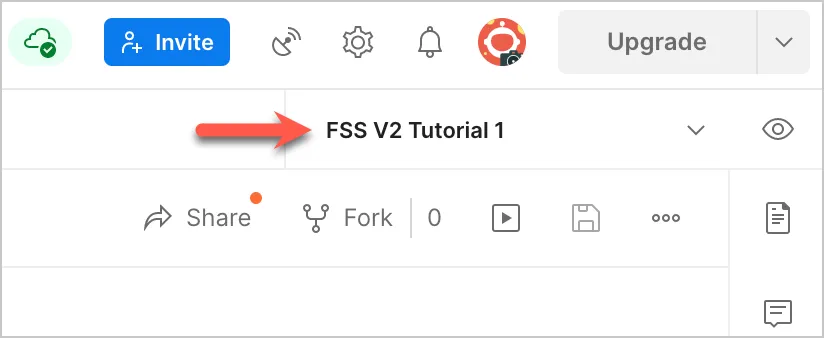
- In Postman, from the Environment drop-down on the top-right, pick FSS V2 Tutorial 1. This environment contains all the variables you need to run the Postman Collection.